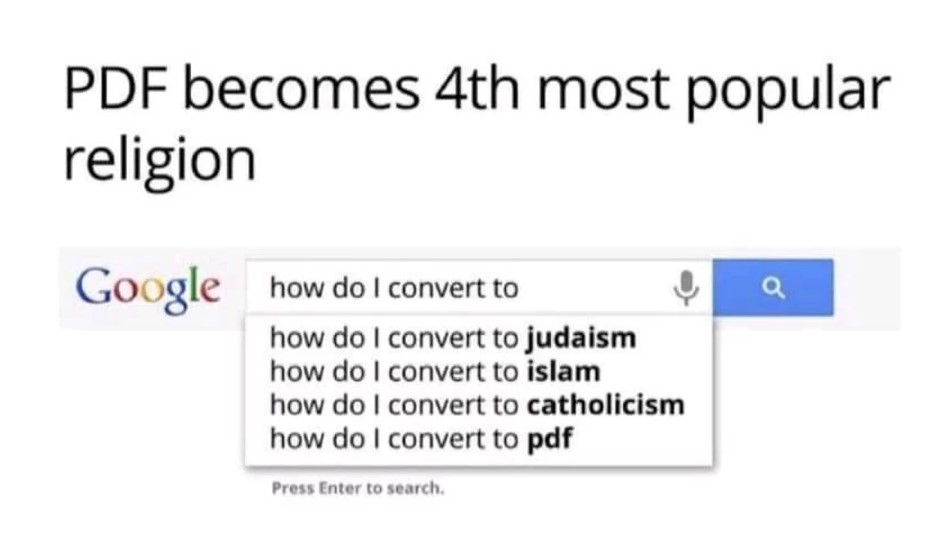
It’s true! And, I bet you’d be even more interested if I told you this step would require less than 30 seconds, right?
It’s so simple. Yet every day I see colleagues doing exactly the opposite, costing precious time that we could use instead to go after a new funding stream, write a case study, or just leave work at a reasonable hour.
What is this magical action? Saving Word files. (You could substitute “Word” with any original document software–PowerPoint, Excel, Publisher, InDesign, Illustrator, and many others–and the sentiment still applies.)
Seriously. The bane of many of our existences actually could help us tremendously. The key is in how we’re not using Word files.
We’re not saving them to our shared drives. We’re not sharing them with other colleagues across departments, projects, and countries when they need to build off of our existing work. We’re not preserving them as part of our institutional memory or knowledge management activities.
Instead, we hoard Word files on our own computers. We save PDFs in our shared folders as the official record of the document. We refuse to share anything but PDFs with colleagues, who then have to recreate the document or copy and paste the PDF into Word. We lose the original document when staff move on or suffer computer malfunctions, meaning we have to write or design the document from scratch.
This behavior is problematic for three reasons.
- Recreating PDF documents in Word is costly in both time and money. PDFs are incredibly effective at what they do—you create them when you don’t want someone to be able to edit the document’s text or when you’re worried its formatting will change when opened with a different version of Word. So, creating the PDF prevents the user from easily editing or re-purposing the document. Yes, newer versions allow you to edit PDFs, but doing so is vastly more time consuming than editing in Word and doesn’t allow you to edit the document by using the simple and time-saving tricks in Word, like updating styles. Time really does equal money, especially when you could spend that time furthering the organization’s goals and generating revenue.
- If a colleague asks for a document because they would like to build off of it and you send the PDF, you may convey that you don’t trust your colleagues or value their time. Being a team player means, in part, knowing how to strike a balance between furthering your organization’s goals and furthering your own career goals. Only sharing PDFs is squarely the latter. Instead, you could ask your colleague to credit you as the original author or technical specialist in her work, which furthers both goals.
- You do not own what you create when you work for an organization; the organization does. Many people forget this, and it’s costing organizations more than I can quantify, both in institutional memory and in money. It’s totally fair to keep copies of your original work, provided the organization allows you to do so, but hoarding work that isn’t technically yours is unprofessional at best and potentially a violation of your employment contract.
The moral of the story: Save the original files on shared drives and databases. Share the original files with your colleagues. Only edit and comment on the original files. And, make sure your consultants share the original files they create—that you contract them for and pay for—as a condition of them receiving payment and working with you in the future.
(Meme source: https://br.ifunny.co/picture/pdf-becomes-4th-most-popular-religion-gousic-how-do-i-4EddYkDz6)
 Clean Composition by Rachel Elrom